
- 1. Uploaded the selected image (from back of digipak) onto Photoshop.

- 2. Then adding a blue filter and a cream filter made the image have a vintage effect.

- 3. After placing the filter over the top, we increased the contrast and brightness of the image and created two orange/red gradients. One coming from the corner and the other as a line down the centre.

- 4. We then created a soft toned boarder around where the digipak is placed.

- 5. We then added the text, 'Mike Dignam' which is in the same font as the song list on the back of the album; 'Debut Album' and 'Out Now' is also in the same font but has been put in a linear light. 'I'll Lie Here' is in the same font as on the front digipak cover.

- 6. An Itunes logo has been added but faded slightly and a new boarder created.

- 7. Inside the boarder, star ratings have been added in the linear light again.

- 8. To finish it off, music magazine ratings have been added to the stars, creating an attraction. Mike Dignam's website and twitter have also been written underneath.


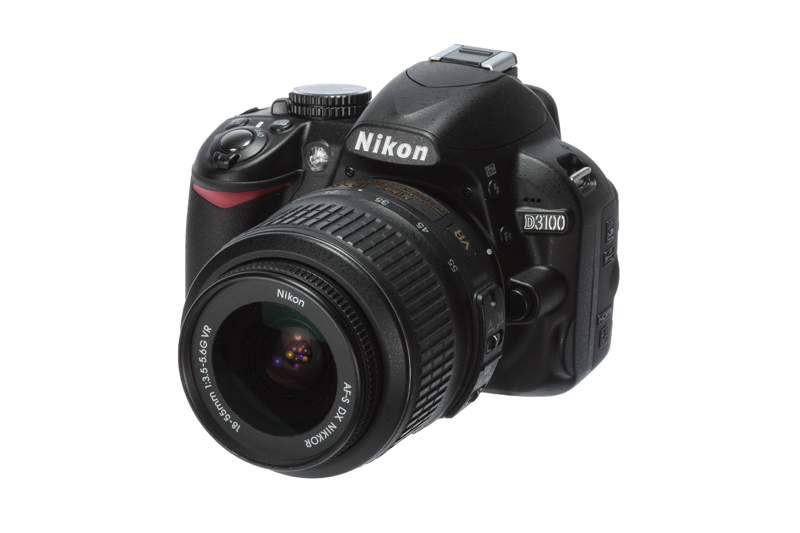
 - 1. We put the image we wanted to use as a base layer/image on Photoshop.
 - 2. We then created a copy of this layer, which also enhanced the colour slightly.
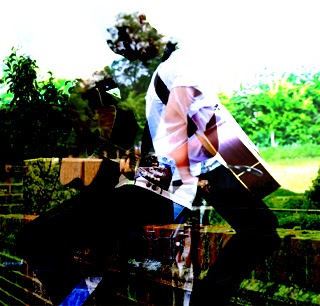 - 3. We then selected the image we wanted to overlay onto the image and placed it on top of the original image and then selected the soft overlay option.
 - 4. Next we added a blue filter to it.
 - 5. Then an additional creamy filter.
 - 6. Then adjusted the brightness and contrast.


